
Build the Flow
Place shapes and connect their sockets. Add joints and labels to make each relationship clear.

Windows Software
Turn a complicated process into a diagram you can follow.
Build clear flowcharts with connected shapes, branching paths, images, and notes. Keep the structure visible while you work.
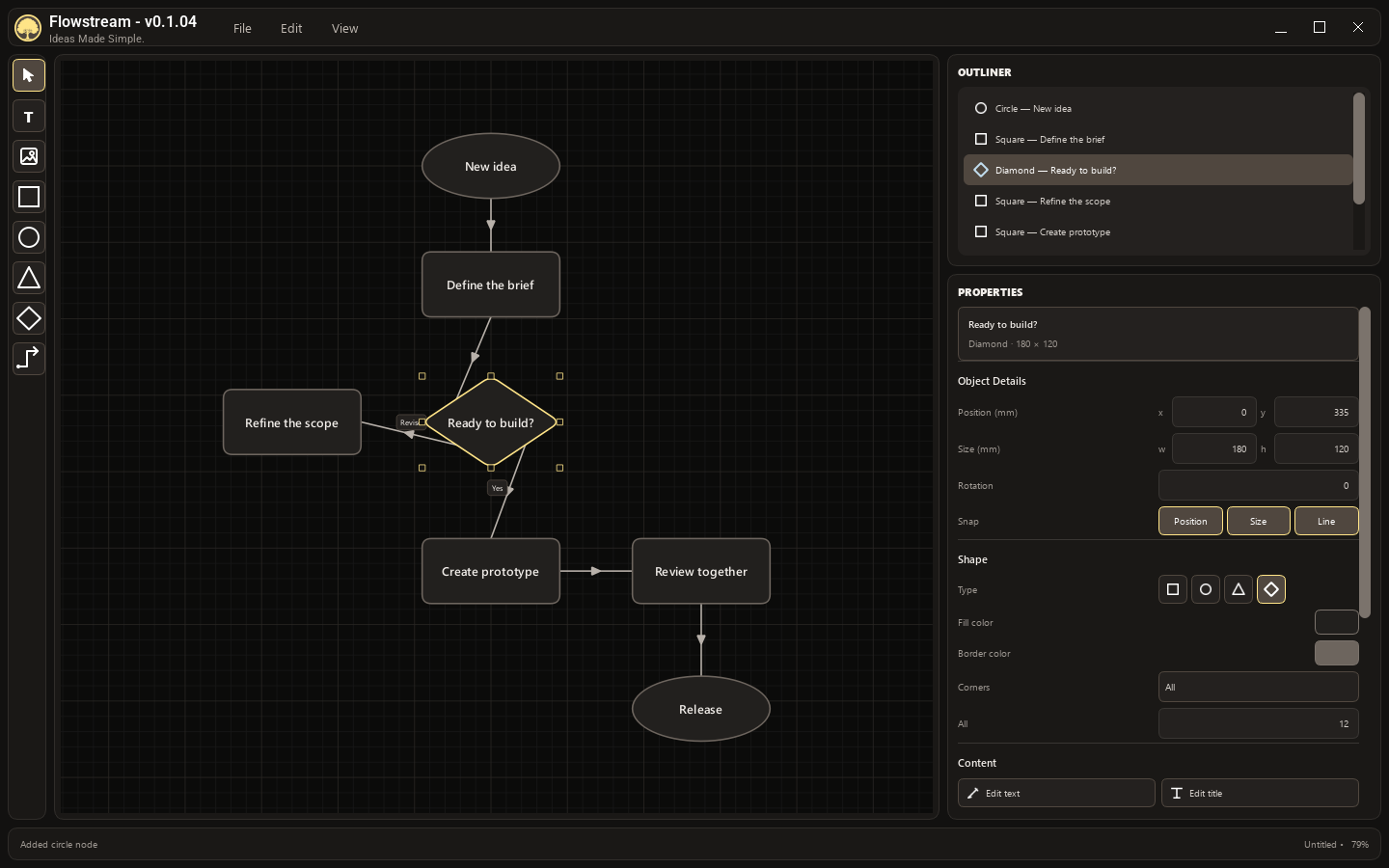
Place shapes and connect their sockets. Add joints and labels to make each relationship clear.
Use groups and the outliner to organize a larger diagram. Select an item to adjust its properties.
Add text and images, adjust colours, and refine the layout with independent position, size, and line snapping.
Setup, everyday workflows, and the details worth knowing before your first session.